

The short answer
Keep it short: "Hi [First Name], thanks for choosing [Business Name]. We'd really appreciate your honest feedback about your experience. If you'd like to leave us a Google review, here's the link: [Review Link]. Thanks again!" Make sure you have a legal basis to message the customer and follow the platform's rules.
- Thank the customer, invite honest feedback and include the correct link.
- Ask after a genuine experience — never before the service.
- No five-star requests, no rewards, no asking only happy customers.
01Five WhatsApp Google review request templates
WhatsApp is convenient for businesses that already talk to customers there. An existing relationship doesn't automatically permit every review-request message — check consent, electronic-marketing and WhatsApp Business requirements before sending.
Hi [First Name], thanks again for choosing [Business Name]!

We'd love to hear about your experience. If you have a moment, you can leave us an honest Google review here:

[Review Link]

Thanks for your support!
Hi [First Name], thanks for having us out to complete the work at your property.

If you'd like to share your experience with our service, here's our Google review link:

[Review Link]

We appreciate your feedback.
[Business Name]
Hi [First Name], thanks for booking with [Business Name].

We hope everything went smoothly. We'd welcome your honest feedback about the cleaning service.

You can leave a Google review here:

[Review Link]

Thanks again!
Hi [First Name], thanks for bringing your vehicle to [Business Name].

We'd appreciate hearing about your experience with our team.

If you'd like to leave feedback on Google, here's the link:

[Review Link]

Safe travels!
Hi [First Name], thank you for working with [Business Name].

Client feedback is valuable to us, and we'd appreciate an honest review of your experience if you're comfortable sharing one.

[Review Link]

Many thanks,
[Business Name]
Confidential services
Avoid mentioning sensitive appointment or case details in the message.
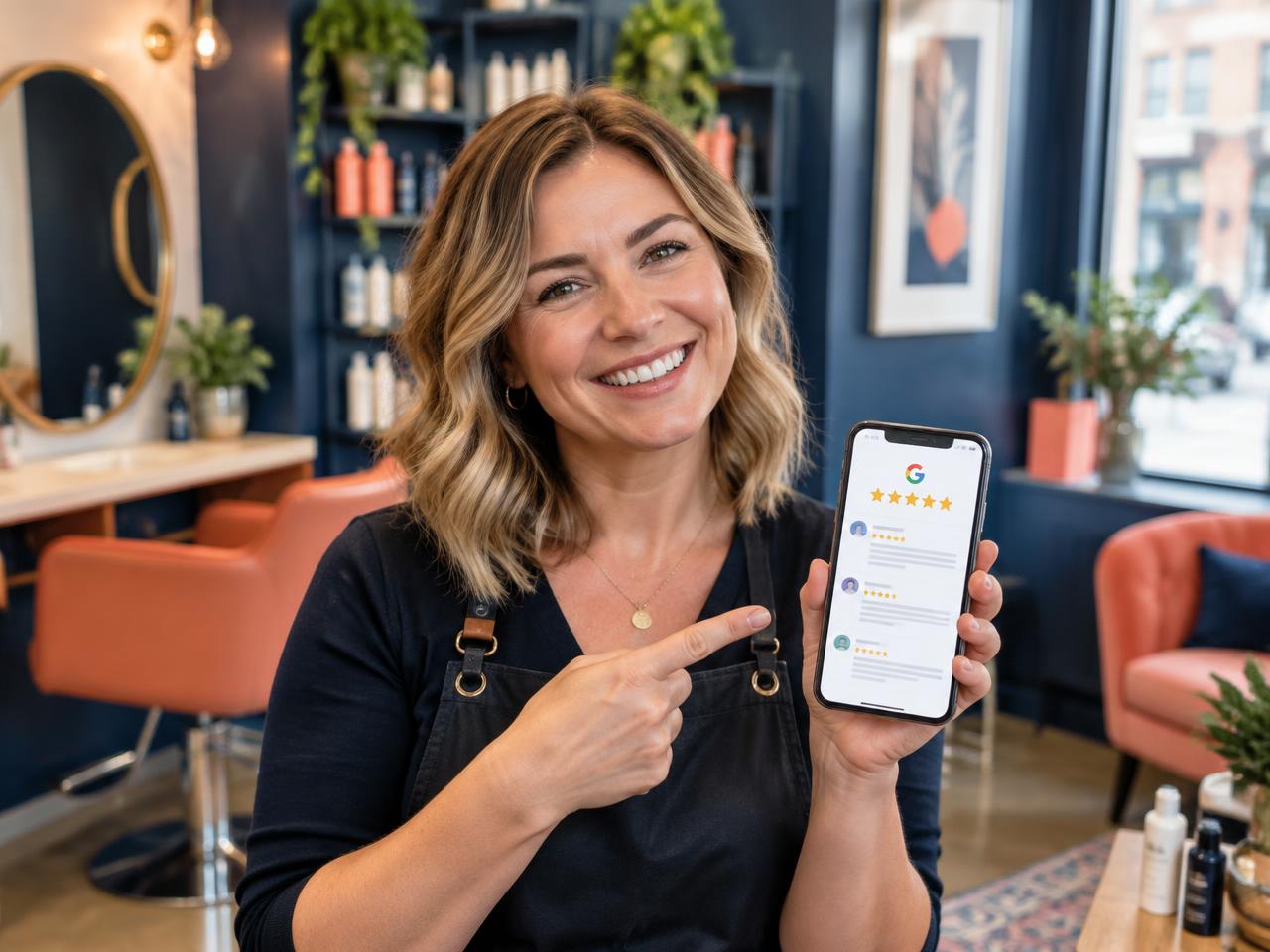 Related guideHow to get your Google review link and share it with customers
02Five SMS Google review request templates
SMS works best when it's concise. Long messages can split into several parts, and extra characters or links can affect delivery costs.
Thanks for choosing [Business Name], [First Name]. We'd appreciate your honest feedback on Google: [Review Link]
Hi [First Name], thanks for visiting [Business Name]. If you'd like to review your experience, here's our Google link: [Review Link]
Thanks for choosing [Business Name] for your recent job. We'd welcome your feedback: [Review Link]
Hi [First Name], thanks for shopping with us. We'd love to hear about your experience. Google review: [Review Link]
Hi [First Name], just a quick reminder that you're welcome to share feedback about your recent experience with [Business Name]: [Review Link]. Thanks!
One reminder at most
Only send reminders where appropriate and permitted. Repeated messages quickly become intrusive.
03Five Google review request email templates
Subject: Thank you for choosing [Business Name]

Hi [First Name],

Thank you for choosing [Business Name].

We value customer feedback because it helps us understand what we're doing well and where we can improve.

If you'd like to share your experience, you can leave us a Google review here:

[Review Link]

Thanks again for your support.

Kind regards,
[Business Name]
Subject: Thanks for working with us

Hi [First Name],

It was a pleasure working with you on your recent project.

If you have a moment, we'd appreciate your honest feedback about the experience. You can leave a Google review using this link:

[Review Link]

Thank you,
[Business Name]
Subject: Thanks for visiting [Business Name]

Hi [First Name],

Thank you for visiting us. We hope you enjoyed your time at [Business Name].

If you'd like to share feedback about your visit, we'd love to hear from you.

[Review Link]

We appreciate you taking the time.
The team at [Business Name]
Subject: We'd value your feedback

Hi [First Name],

Thank you for continuing to choose [Business Name].

We'd appreciate your honest feedback about your experience with us. If you'd like to leave a Google review, you can do so here:

[Review Link]

Thanks for your continued support.
[Business Name]
Subject: A quick follow-up from [Business Name]

Hi [First Name],

We recently invited you to share feedback about your experience with us.

If you'd still like to leave a Google review, here's the link:

[Review Link]

There's no obligation, and we appreciate your time either way.

Kind regards,
[Business Name]
04When should you ask customers for a Google review?
| Business | A good moment to ask |
|---|---|
| Plumber | After the repair is complete |
| Hotel | After checkout |
| Retailer | Once the customer has received and used the product |
| Consultant | After a project milestone or completed engagement |
The principle: request feedback about a genuine experience. Never ask customers to review a service they haven't received yet. Asking straight away can work while the visit is fresh, but consider whether the customer has had time to judge it, whether the message is welcome and whether your permissions cover it.
A single polite reminder may suit eligible customers who haven't responded, where the rules allow. The aim is to invite feedback, not to create pressure.
05How to personalise a Google review request
- The customer's first name
- Your business name
- A general reference to the completed service
- A friendly sign-off from the team
- The correct review link for the location
Keep sensitive information out — a medical practice shouldn't reveal appointment details in an ordinary review request. A message doesn't need to be elaborate to feel personal.
Get the right link first
Copy the official link from your Business Profile (Read reviews → Get more reviews) and test it. Our guide to finding your Google review link walks through it, and you can turn it into a free QR code for printed materials.
06What not to say when asking for Google reviews
| Don't | Why |
|---|---|
| Ask specifically for five stars | Invite honest feedback instead of a rating |
| Offer rewards | Google prohibits incentives for posting, changing or removing reviews |
| Ask only satisfied customers | Selectively soliciting positive reviews is prohibited |
| Pressure customers | They must be free to decline, wait or give an honest negative account |
| Write the review for them | Reviews must reflect the customer's own experience and words |
07How to automate Google review requests
Manual requests work at low volume. As customer numbers grow, remembering every eligible request becomes another admin job. A typical automated workflow:
- 1
A customer completes a service
The visit or job finishes.
- 2
The visit is recorded
Your booking system or team logs it as complete.
- 3
Eligibility is checked
The system confirms the customer can be messaged and hasn't opted out.
- 4
An invitation is sent
An appropriate review request goes out on an approved channel.
- 5
A permitted follow-up may be scheduled
One polite reminder at most, where allowed.
- 6
Review activity is monitored
You see what was sent and what came back.
Automation must never bypass consent, send excessive messages or selectively solicit favourable reviews. Ranknua manages personalised review requests by WhatsApp, SMS and email, with follow-ups and reporting.
| Factor | Manual requests | Automated requests |
|---|---|---|
| Setup | Simple | Requires initial configuration |
| Sending | Staff send each message | System manages eligible sends |
| Consistency | Depends on staff availability | Follows defined rules |
| Personalisation | Written individually | Approved templates and customer details |
| Follow-ups | Must be remembered | Can be scheduled |
| Cost | Staff time | Software and messaging costs |
| Best fit | Lower-volume businesses | Repeatable customer workflows |
Neither approach guarantees a particular number of reviews. The right choice depends on volume, workflow, messaging permissions and the value of your team's time.
Frequently asked questions
What should I write in a Google review request?+
Thank the customer, invite honest feedback and include the correct Google review link. Keep it short and relevant.
Can I ask for Google reviews through WhatsApp?+
Google permits sharing review links through WhatsApp, but you must also follow WhatsApp's business messaging rules and applicable privacy and marketing requirements.
Can I send a Google review request by SMS?+
Yes, where the message is permitted under the relevant electronic-marketing rules and your customer relationship.
Can I ask customers to leave a five-star review?+
No. Request genuine, unbiased feedback without steering customers towards a particular rating.
Should I offer a discount for leaving a review?+
No. Google's policies prohibit incentives in exchange for reviews.
Can I automate Google review requests?+
Yes. Software can manage eligible invitations, delivery and follow-ups, as long as the process still follows Google's policies and messaging requirements.
Sources
- Google: tips to get more reviews
- Google: prohibited and restricted content (reviews)
- Google: create a link or QR code to request reviews
General guidance, not legal advice. Google’s features and rules change; check the linked pages.