
The short answer
Ask after the customer has collected their vehicle, using your existing service-completion process to trigger a short personalised message. Add a review QR code to invoices and service documents, ask for honest feedback rather than five stars, and use negative reviews to find service problems.
- Collection is the natural moment to ask.
- Reuse your service-completion process to trigger requests.
- Track reviews over time and learn from criticism.
01Ask after the customer has collected the vehicle
Trust is one of the biggest challenges for an independent garage.
Most drivers can't easily judge the technical quality of a repair. They rely on explanations, recommendations, pricing transparency and previous customers' experiences.
That's why Google reviews matter.
A detailed review mentioning clear communication, fair pricing or a successful repair can help a prospective customer feel more confident about booking.
But many garages rely on customers remembering to leave a review without ever asking them.
Here's how to create a more reliable process.
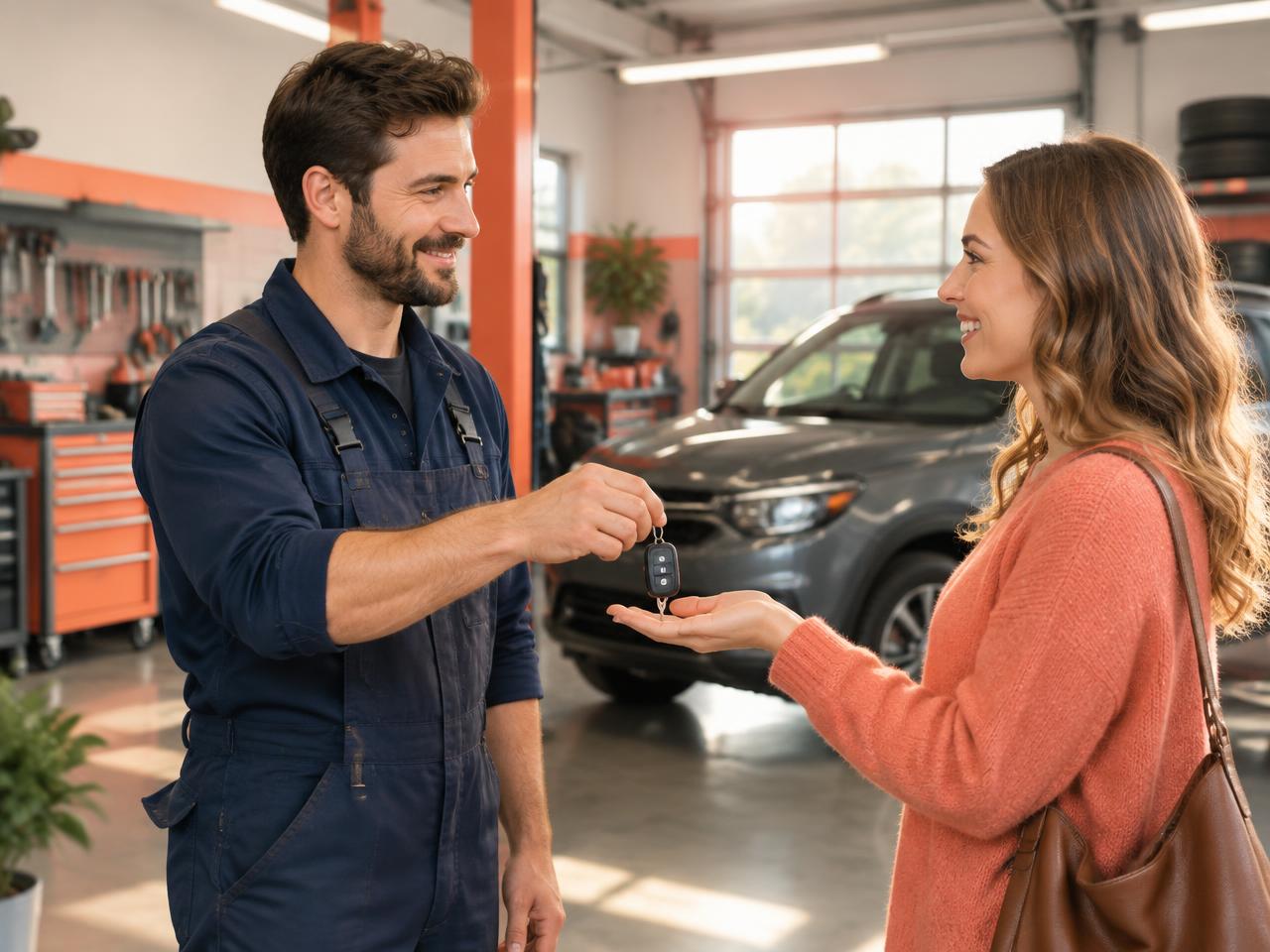
Vehicle collection is a natural point in the customer journey.
The customer has received an explanation of the work, paid the invoice and is ready to leave.
Rather than asking them to write a review at the counter, let them know they can expect a follow-up message.
For some repairs, waiting until the customer has driven the vehicle and confirmed the issue is resolved may be more appropriate.
 Related guide7 Ways Plumbing Companies Can Get More Google Reviews After Every Job
02Use your existing service-completion process
Most garages already record when a job is finished.
That creates an opportunity for a simple workflow:
- The mechanic completes the work.
- The service adviser confirms the vehicle is ready.
- The customer collects the vehicle.
- A suitable follow-up message is sent.
- The review request is recorded to avoid unnecessary repeats.
If your garage has several service advisers, a consistent process helps ensure requests aren't dependent on who is working that day.
03Send a personalised review request
A short message is usually enough.
Hi David,

Thanks for bringing your car to [Garage Name] for its recent service.

We hope everything is running smoothly. If you have a moment, we'd appreciate an honest Google review about your experience.

[Review link]

Thanks again,
[Garage Name]
Hi David,

Thanks for choosing [Garage Name] for your recent repair.

If you'd like to share your experience with our team, here's our Google review link:

[Review link]

We appreciate your feedback.
Avoid including unnecessary vehicle registration details or sensitive customer information in the message.
04Add a QR code to service documents
Garage customers often receive printed paperwork.
A review QR code can be included on:
- Invoices
- Service completion sheets
- Collection paperwork
- Customer information cards
The QR code should open the Google review form directly.
Ranknua's free QR code generator can help you create one.
05Ask for honest feedback, not five stars
A garage's reputation is strongest when reviews reflect genuine customer experiences.
Don't offer discounts, free oil changes or other rewards in exchange for Google reviews.
Don't tell customers to leave a five-star rating.
And don't ask only customers who praised your work.
Google prohibits incentivised reviews and selective solicitation of positive reviews.
06Use negative reviews to identify service problems
Garage complaints often involve communication rather than the repair itself.
A customer may be unhappy because:
- A repair took longer than expected.
- The final bill wasn't clearly explained.
- Nobody called with an update.
- The original fault returned.
- They misunderstood what work was included.
Review these patterns with your team.
A good response should acknowledge the customer's concern without disclosing private details or arguing about their vehicle history publicly.
Example:
"Thank you for your feedback. We're sorry to hear that your experience didn't meet expectations. We'd appreciate the opportunity to review your concerns directly. Please contact our service manager."
07Track review performance over time
Don't focus exclusively on the total number of reviews.
Monitor:
- New reviews each month
- Average rating
- Recent customer sentiment
- Recurring complaints
- Response times
- Review volume compared with local competitors
A steady flow of genuine recent reviews can give prospective customers a more current picture of your garage.
Ranknua's reputation insights can support ongoing review monitoring.
08Build trust beyond the workshop
Good workmanship matters. So does making that workmanship visible to future customers.
A straightforward review process helps turn completed jobs into authentic customer feedback.
Start with a direct link, a sensible follow-up message and a clear process for responding to reviews.
Explore Ranknua's automated review-request tools.
Frequently asked questions
When should a mechanic ask for a Google review?+
Usually after the vehicle has been collected and the customer has had an appropriate opportunity to assess the service.
Can garages request reviews after an NCT repair?+
Yes, but don't imply that the review is connected to an official test result or promise a particular outcome.
Should garages ask repeat customers for another review?+
Avoid repeatedly asking customers who have already reviewed you. A new genuine experience may justify an updated review, but customers should never be pressured.
Can garages automate review requests?+
Yes. A job-completion workflow can support automated requests, subject to the customer's communication preferences and applicable rules.
Sources
General guidance, not legal advice. Google’s features and rules change; check the linked pages.